The DiliTrust Orgchart has been fully redesigned. Beyond a visual refresh, this update introduces new ways to work with your group structure — including a dedicated mode for simulating and presenting your chart without affecting your live data.
⭐ A clearer visual interface
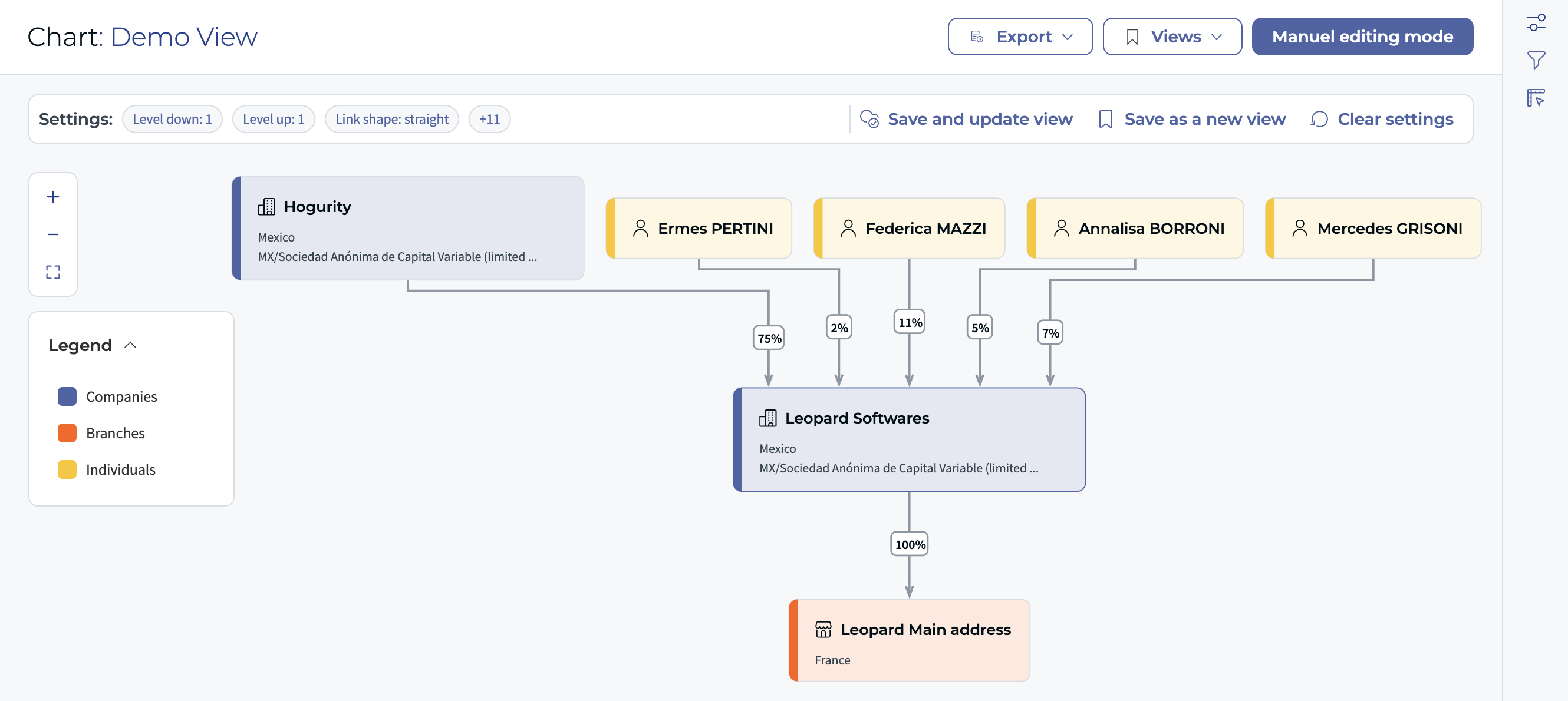
- Colour coding by entity type — companies in blue, branches in orange, individuals in yellow — for instant visual identification
- Legend show / hide — toggle the legend on or off; when hidden, it is also excluded from exports
- Keyboard shortcuts panel — accessible directly in the chart for faster navigation
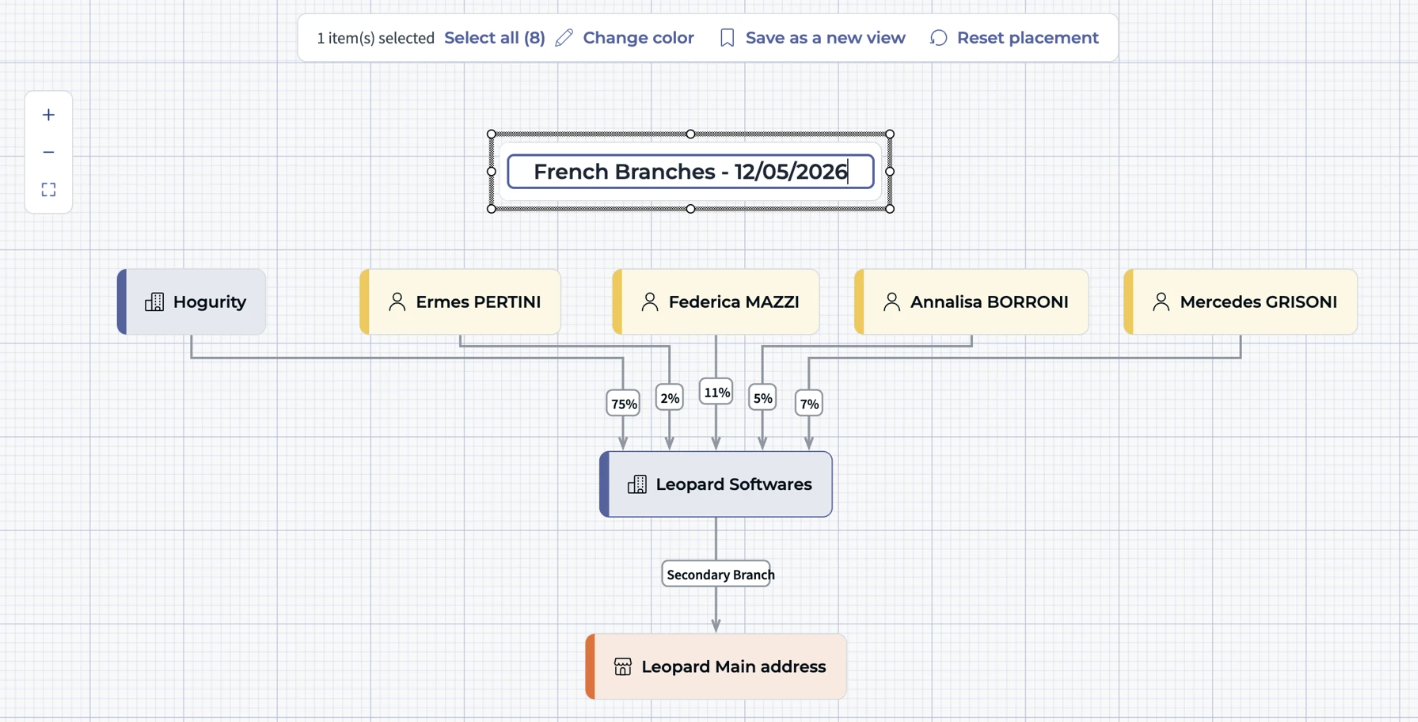
✨ Manual Edit Mode — simulate without touching your data
Manual Edit Mode lets you detach the chart from the live database and work freely on a visual copy. Useful for board presentations, due diligence packages, or simulating a future group structure.
You can find detailed guidelines of the Manual Edit Mode here →
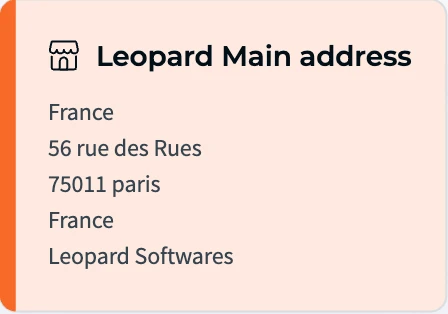
✅ More information directly on nodes
- Up to 4 custom fields per node (previously limited to 2)
- No percentage values on branch connections — removing a common source of confusion
⚠️ Important — Legacy Org Chart decommissioned
- The legacy Org Chart has been permanently removed — views created in the old experience will need to be recreated
- Excel export is no longer supported
Was this article helpful?
That’s Great!
Thank you for your feedback
Sorry! We couldn't be helpful
Thank you for your feedback
Feedback sent
We appreciate your effort and will try to fix the article