Manual Edit Mode is a dedicated working mode that lets you manually adjust, annotate, and simulate your Org Chart directly inside DiliTrust — without needing Excel and without touching your live entity data.
⭐ How does it work?
When you activate Manual Edit Mode, the chart is detached from the live database. All changes you make are visual only — your entity records and ownership structure remain completely untouched.
This makes it the right mode for:
- Preparing board presentations or executive reports with a customised view of your group
- Running due diligence scenarios without creating entries in the system
- Simulating a future group structure before implementing changes in the database
✨ What you can do in Manual Edit Mode
- Add a chart title and date — insert a title block directly on the chart, useful for regulatory documents or presentations
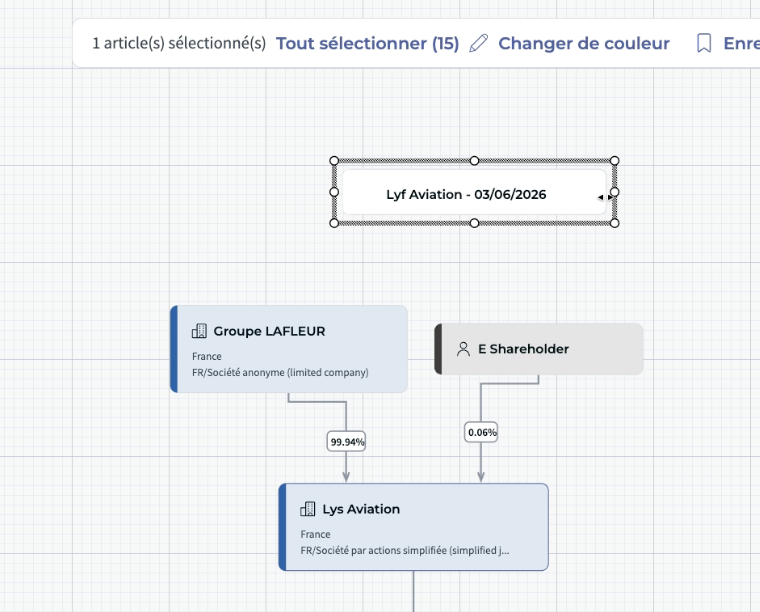
- Delete connections (arrows) — remove individual links between nodes without deleting the nodes themselves
- Delete nodes — remove individual nodes from the visual layout
- Create new connections — draw custom arrows between nodes to represent simulated detention relationships
- Create new nodes — add blank nodes for entities not yet in the database
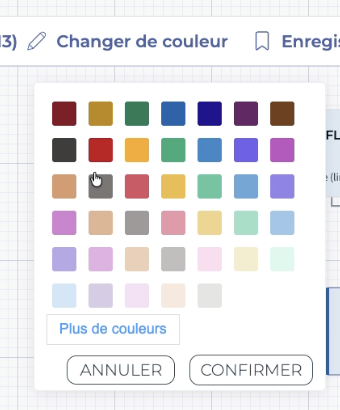
- Apply custom colours to selected nodes — highlight entities by region, status, or any other criteria using a colour palette
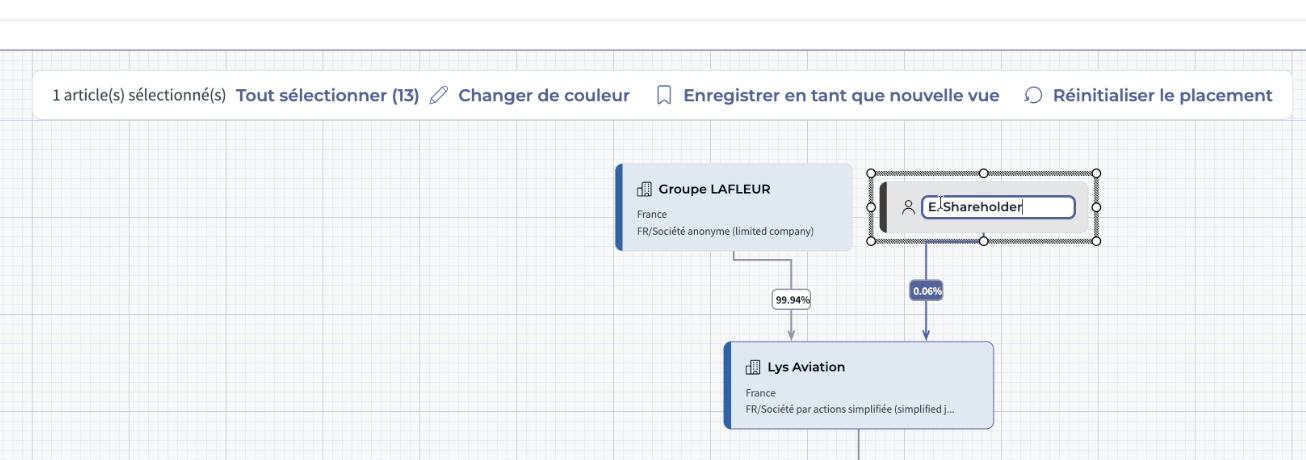
- Edit detention percentages and text fields — double-click any text on the chart to simulate future or hypothetical ownership scenarios without modifying the database
✅ Saving and resetting
While in Manual Edit Mode, two actions are available at the bottom of the screen:
- Save and update view — saves the current state of the chart as a static snapshot. Unlike standard views, this snapshot does not update when your underlying data changes — it always reloads exactly as it was when saved. Free Edit Mode views are clearly labelled in the view selector so you can always tell them apart.
- Reset placement — discards all changes made during the current session and reverts the chart to the state it was in when you entered Free Edit Mode.
⚠️ Good to know
- Manual Edit Mode views are static — they will not reflect future changes to your entity data
- No data is modified — every action in Free Edit Mode is purely visual
Was this article helpful?
That’s Great!
Thank you for your feedback
Sorry! We couldn't be helpful
Thank you for your feedback
Feedback sent
We appreciate your effort and will try to fix the article