Lini is the AI assistant built into DiliTrust. It can prepare changes to your data for you. It can create records, update them or delete them. It can also read a document you share and prepare the updates it contains.
Lini never changes anything on its own. You see every proposed change first, and nothing happens until you approve it.
This works in Board Portal, Legal Entity Management and Matter Management.
⭐ What Lini can do for you
- Create and update records from a simple request. Example: “Create a task to file the submissions before November 15.”
- Update your data from a document. Share a document, such as signed minutes. Lini finds the changes it describes, compares them with the data already recorded and prepares the updates.
- Prepare deletions, only when you ask for them. Deletions are permanent, so Lini always asks you to confirm them explicitly.
- Group related changes. Some requests need several changes. For example: a matter, then its tasks, then a provision. Lini prepares them together, so you review them as one set.
This saves you repetitive data entry. You stay in control of every action.
✋ How you stay in control
Every change follows the same four steps:
- You ask. Write a message, or share a document.
- Lini prepares. It finds the records concerned and prepares each change needed.
- You review. Lini shows you the complete list of proposed changes.
- You confirm. Lini carries out the changes only after you approve them in your next message.
In Legal Entity Management, the full list of prepared changes, with all the values, appears at the end of Lini’s answer. If one change fails, the next ones are not carried out.
Two more rules always apply:
- Your access rights apply. Lini can only do what your own account is allowed to do. It never goes beyond your rights.
- Disabled features stay disabled. If a feature is turned off for your organization, Lini does not offer it and does not use it.
✅ What Lini can change in each product
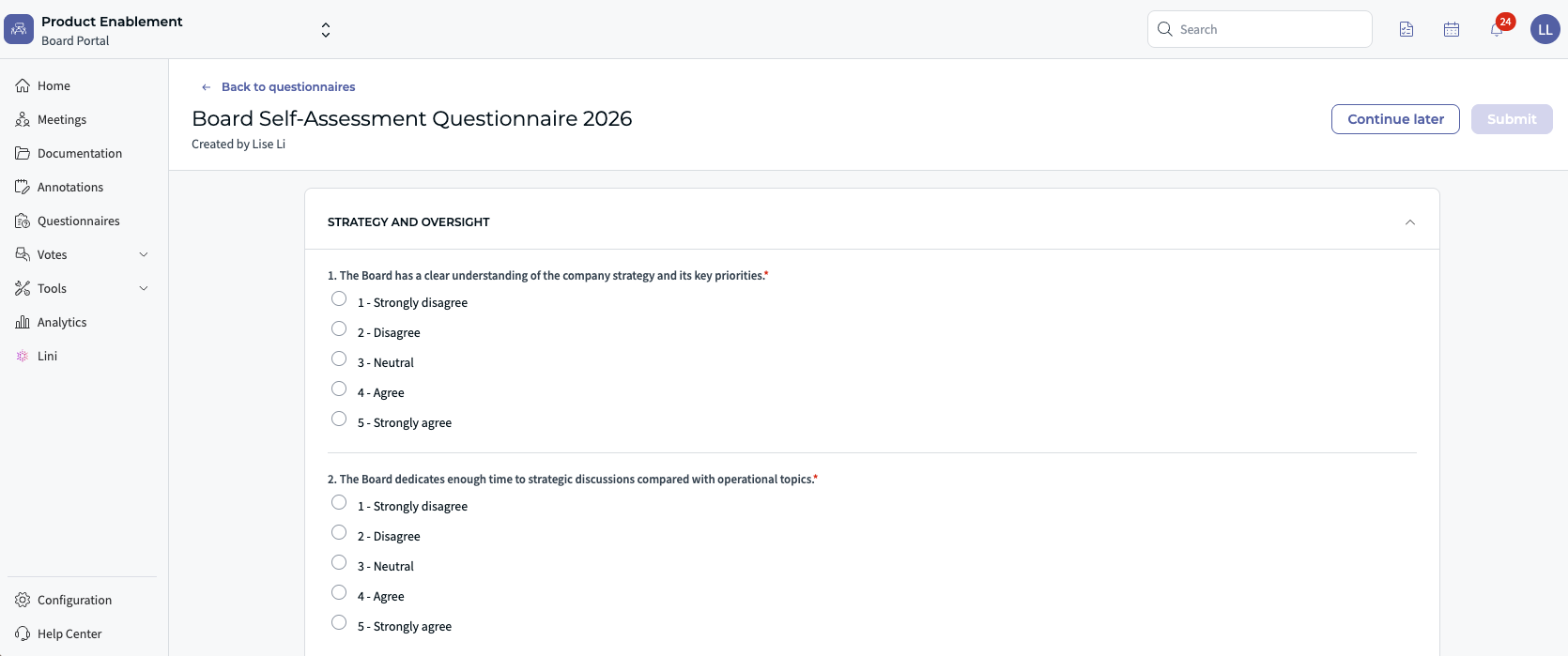
Board Portal
Meetings, agendas, votes, questionnaires, tasks, minutes, resolutions and files.
Example: “Create the board meeting of [date] from this email.”

Legal Entity Management
Companies, individuals, governance bodies, mandates, share capital, registers, timelines, and register and record document templates.
Example: “Renew [mandate] until June 30, 2029.”
Matter Management
Matters, tasks, contacts, documents, invoices, provisions, custom tabs and intake requests.
Example: “Put this matter on hold and change the owner to Claire.”
For the detailed list in each product, see the Capabilities articles below.
⏩ Example: from a document to up-to-date records
This example comes from Legal Entity Management.
- You share the signed board minutes of a company.
- Lini reads them and finds the decisions: a resignation, an appointment, a renewal.
- Lini compares the minutes with the company, people and mandates recorded in the platform.
- Lini flags the differences. For example, a person who is not yet recorded.
- Lini prepares all the changes together.
- You review the list and confirm.
❗ Limits and good practice
- Read the full list of changes before you confirm.
- Deletions are permanent. Check them carefully.
- Lini only works within your access rights.
- Features turned off for your organization are not available through Lini. Ask your DiliTrust administrator if you need one.
❓ FAQ
Can Lini change my data without asking me?
No. Lini always shows you the proposed changes first. Nothing is carried out until you approve it.
Can I undo a deletion?
No. Deletions are permanent. That is why Lini always asks for your explicit confirmation first.
Can Lini do something my account is not allowed to do?
No. Lini uses your own access rights. It never gives you more access.
Why doesn't Lini offer an action I expected?
The feature may be turned off for your organization, or your account may not have the rights for it. Contact your DiliTrust administrator.
⭐ Related articles
Was this article helpful?
That’s Great!
Thank you for your feedback
Sorry! We couldn't be helpful
Thank you for your feedback
Feedback sent
We appreciate your effort and will try to fix the article